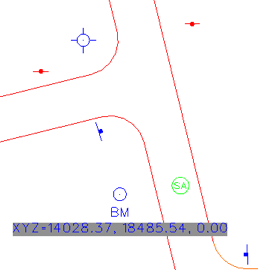
New in MicroStation V8i are Text Field Place Holders which will allow for the field to be undefined until used in a model. In this example we will use a Cell Properties Place Holder that will update values of the cell after the cell has been placed in the drawing.
- Open an existing cell for editing. In this example we will place a Text Field Place Holder for the Origin of the cell placement.

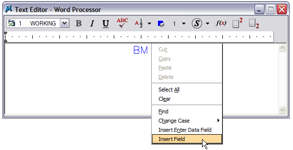
- Edit the text in the cell add a new line and Right Click from the fly out menu select Insert Field. The Field Type dialog will appear.
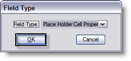
- From the Field Type dialog select Place Holder Cell Properties from the drop down menu. Then select the OK button the Fields Editor dialog will appear.
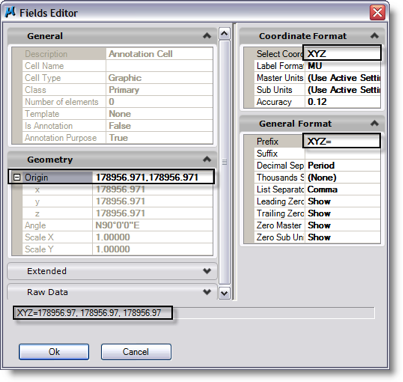
- Expand the Geometry section of the dialog and select Origin. Modify the right side of the dialog to format the coordinate readout as you like.
- Select the OK button the field Origin will be placed in the Word processor dialog.
- Place the cell into a DGN file.
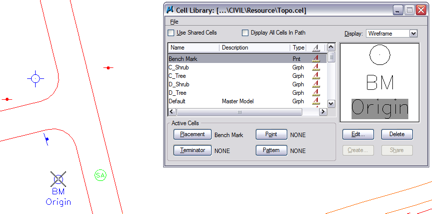
- To update the place holder field use the key-in “field update all”. The Origin field will be updated with the placement coordinates.