
In this tutorial we will import MicroStation graphics to create an InRoads template.
See all of our InRoads tips on this YouTube playlist.
Last Month’s Tips:
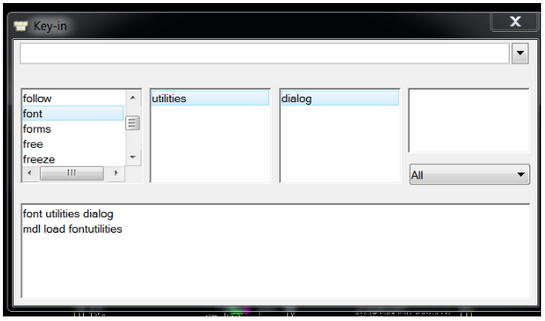
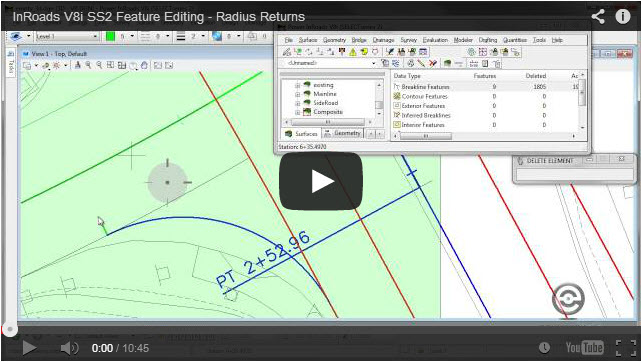
Font Utilities Feature Editing – R… Properly Position GeoTIF…
Don’t want to miss out on other great information? Subscribe to this blog or our monthly eNewsletter now! Learn More ◊ Contact us today ◊ Newsletter ◊


